
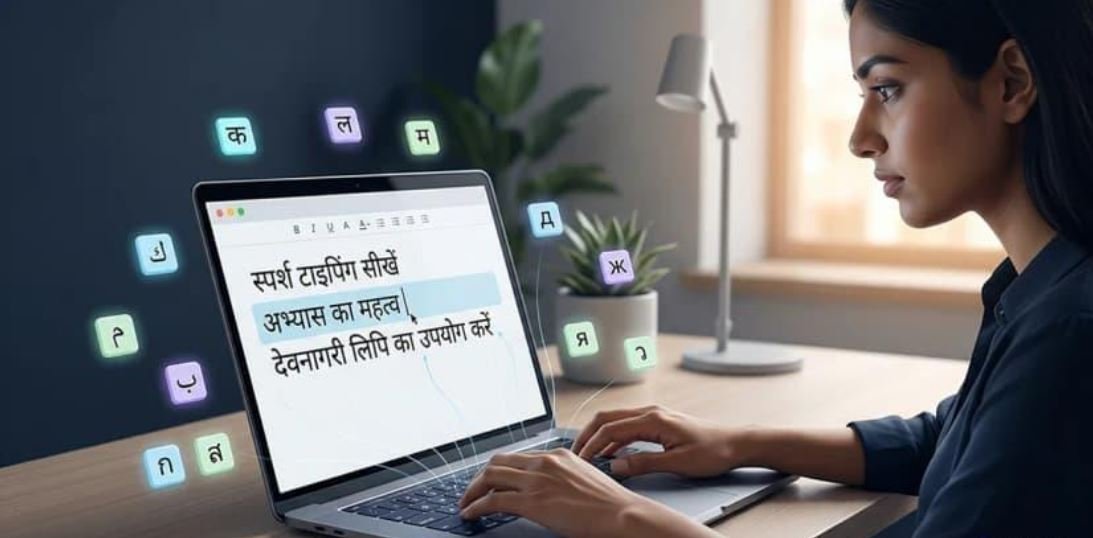

Safe, secure and fast Google Hindi Input Tool Download
Ever tried typing in Hindi and ended up staring blankly at a complex keyboard layout, completely lost? Yeah, we’ve all been there.
If you want to write in Hindi on your computer or phone without memorizing where every single character sits on a traditional keyboard, you need transliteration. Basically, you type out Hindi words using regular English letters (like typing “namaste”), and the tool instantly converts it into proper Devanagari script (नमस्ते).
Whether you’re a student, blogger, digital marketer, or just messaging family, this is a total game-changer. Let’s break down how you can use these free tools across different devices.
What Exactly Is It?
Think of Google Input Tools as your shortcut to writing in regional languages. It doesn’t translate the meaning of your sentence—it translates the writing system phonetically.
A quick look at how it works:
Namaste→ नमस्तेAap kaise hain→ आप कैसे हैंShubh prabhat→ शुभ प्रभातMera Bharat→ मेरा Bharat (or मेरा भारत, depending on your picks)
1. Use It Online (No Installation Needed)
If you just need to type out a quick paragraph, draft a caption, or write a short email without downloading anything, the web version is your best bet.
Head over to the Google Input Tools website.
Select Hindi from the language options.
Start typing in English letters in the text box.
Pick the right Hindi suggestion as it pops up on your screen.
Copy your text and paste it wherever you need it!
2. Install the Chrome Extension
If you’re writing blogs, managing social media channels, or working online daily, you don’t want to keep switching tabs. Grab the browser extension instead.
Open the Chrome Web Store extension page.
Click Add to Chrome.
Pin it, open the options, and set Hindi as your default input.
Quick tip: Chrome blocks extensions from running in certain spots like the address bar, but it works smoothly across most web text fields and content management systems.
3. Typing in Hindi on Android
If you’re crafting social media reels or messaging clients straight from your phone, you don’t even need a separate app—you likely already have the best tool installed.
Open the Google Play Store and grab Gboard (Google’s official keyboard).
Go into your phone’s keyboard settings.
Add Hindi and select the phonetic/transliteration layout option.
Tap the globe icon on your keyboard to switch over whenever you want to type in Devanagari (typing “aapka swagat hai” straight into “आपका स्वागत है”).
How to Download Google Hindi Input Tool Safely and Quickly
⚠️ Important Note:
Google has discontinued the official support for the offline desktop version on its website. However, trusted third-party sources still offer the original setup file. When downloading from these sources, you must ensure that the site is reliable and free of malware.
✅ Steps to Download Safely:
Step 1: Choose a Trusted Source
Avoid suspicious websites. Always check:
Site reviews
HTTPS (secure) in the URL
No forced pop-up downloads
Some recommended sites include:
Softpedia
FileHorse
Archive.org (for older Google tools)
Step 2: Download the Setup File
Look for a file named something like GoogleInputHindi.exe.
Step 3: Run the Installer
Double-click the downloaded file and follow the installation instructions. It usually takes less than 2 minutes.
Step 4: Set It Up
After installation, open the language settings on your computer.
Add “Hindi (Google Input Tools)” to your input methods.
You can now toggle between English and Hindi easily using the language bar (Alt + Shift or Windows + Space shortcut).
Google Hindi Input Tool vs. Other Hindi Typing Tools
| Feature | Google Hindi Input Tool | Baraha | Lipikaar | Quillpad |
|---|---|---|---|---|
| Transliteration Support | ✅ | ✅ | ✅ | ✅ |
| Offline Support | ✅ | ✅ | ✅ | ❌ |
| Free to Use | ✅ | ❌ | ❌ | ✅ |
| User Interface | Simple & Clean | Moderate | Moderate | Basic |
| Platform Availability | Windows, Online | Windows | Windows, Android | Online |
Google Hindi Input Tool remains a popular choice due to its ease of use, smart suggestions, and integration with Windows.
Final Thoughts
If you’re looking for a safe, secure, and fast way to type in Hindi, Google Hindi Input Tool is still one of the best and most trusted options out there. While the official support has been discontinued for desktop, the tool continues to be widely used and appreciated by millions of users, especially those who prefer offline usage.
For safe installation, always download from reliable sources and follow best security practices. Whether you’re writing poetry, creating content, or chatting with friends, this tool bridges the language gap with ease.